
Migrate Tableau to Power BI and Microsoft Fabric
BIChart migrates Tableau to Power BI and Fabric, optimizes what you bring, and surfaces the context across your BI estate so your analysts and agents know what should move, change, or be left behind.
See How BIChart Automates A Tableau to Power BI Migration
First Step
Validate Before You Commit
Validate BIChart on representative workbooks and data sources. See the converted PBIP, supported features, exceptions, and estimated program savings before committing to a migration.
Migration Assessment
Tableau To Power BI Migration Assessment
Get started with an assessment of your Tableau inventory—then estimate migration cost and effort compared to rebuilding dashboards manually.
Ready to convert dashboards? See the Tableau to Power BI migration tool.
How It Works
Five Simple Steps To Migrate
Connect Source
Link your Tableau environment
Assess Tableau
Retire low-value content first
Choose Destination
Select your Fabric workspace
Migrate
Automated conversion begins
Review & Publish
Validate and deploy
Why Choose BIChart?
Enterprise-Grade Migration
Low-Value Content Retired
Retire low-value content before converting the rest cleaner and faster.
Increased Time to Value
Faster delivery of Power BI dashboards to end-users.
Dashboard Ready
About 80% of each converted dashboard is ready to go.
Enterprises modernizing analytics with BIChart






Testimonials
A Better Way To Modernize BI
"BIChart assessed our Tableau environment for consolidation. We were blown away by how many data assets could be retired with low risk. The assessment was clearly presented and had clear and actionable recommendations."
Custom Pricing
Built For You
At BIChart, we believe your analytics solution should match your unique data, users, and goals. That's why we offer tailored pricing—whether you're a startup or an enterprise.
Use our cost calculator to estimate migration hours and budget, or talk to us for a tailored plan.
From The Blog
Latest Insights
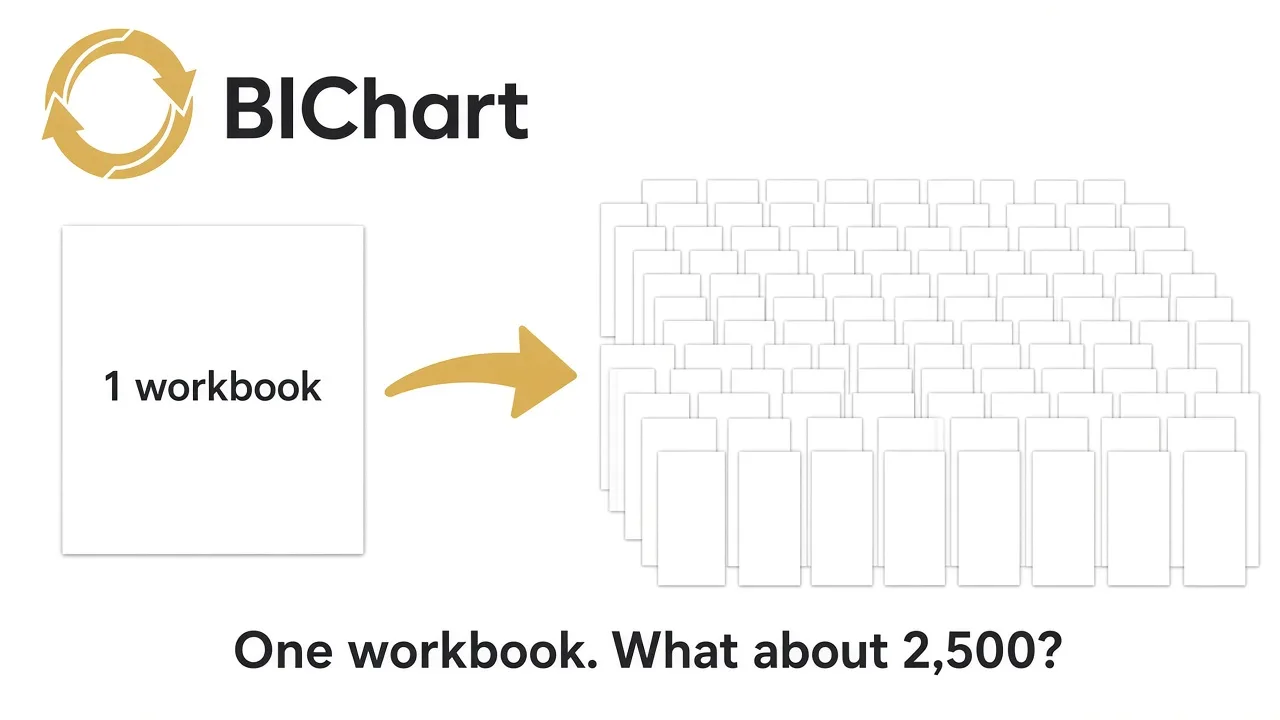
AI Can Rebuild One Tableau Workbook. What About 2,500?
 By Alec Smith
Ready To Validate? Start migrating now.
Validate BIChart on representative workbooks and data sources. See the converted PBIP, supported features, exceptions, and estimated program savings before committing to a migration.